The work order, closed on site.
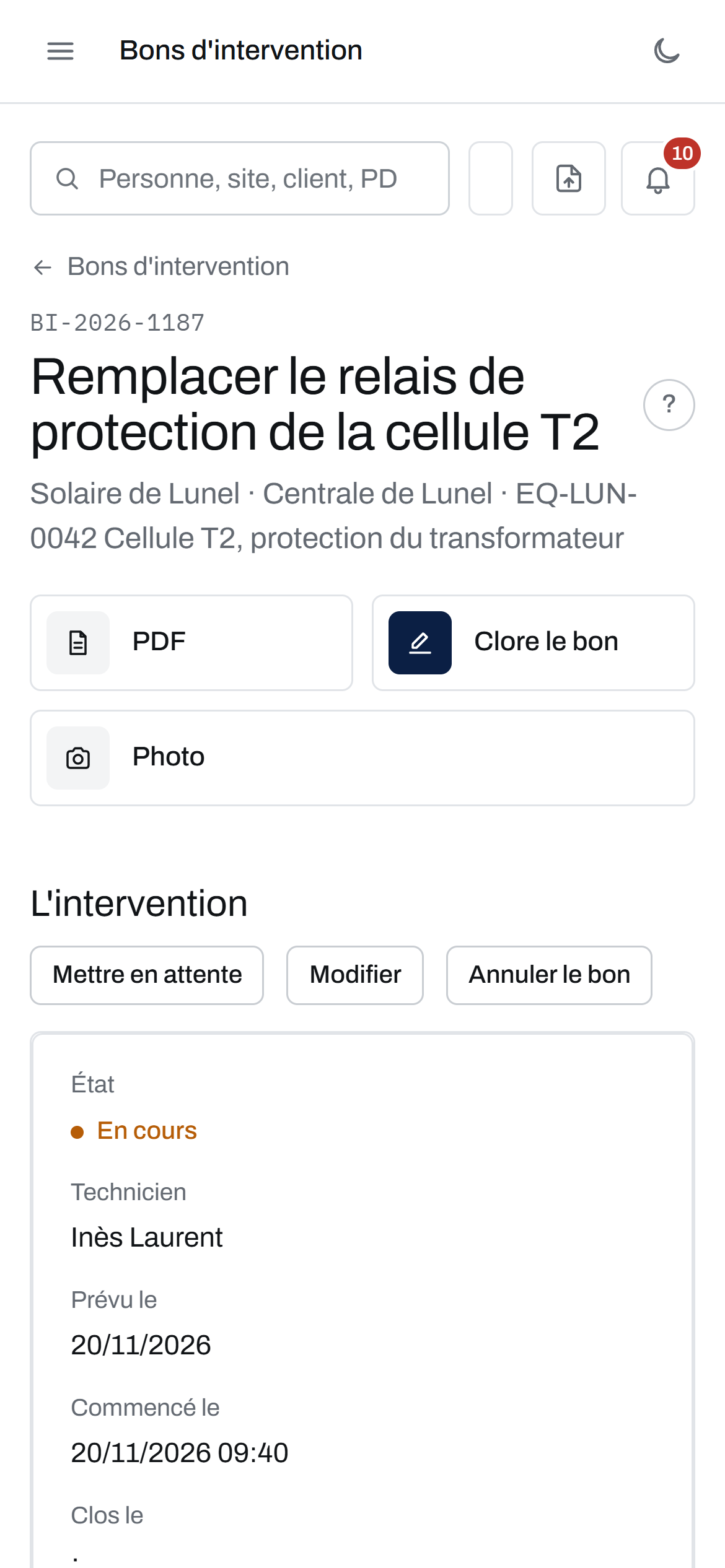
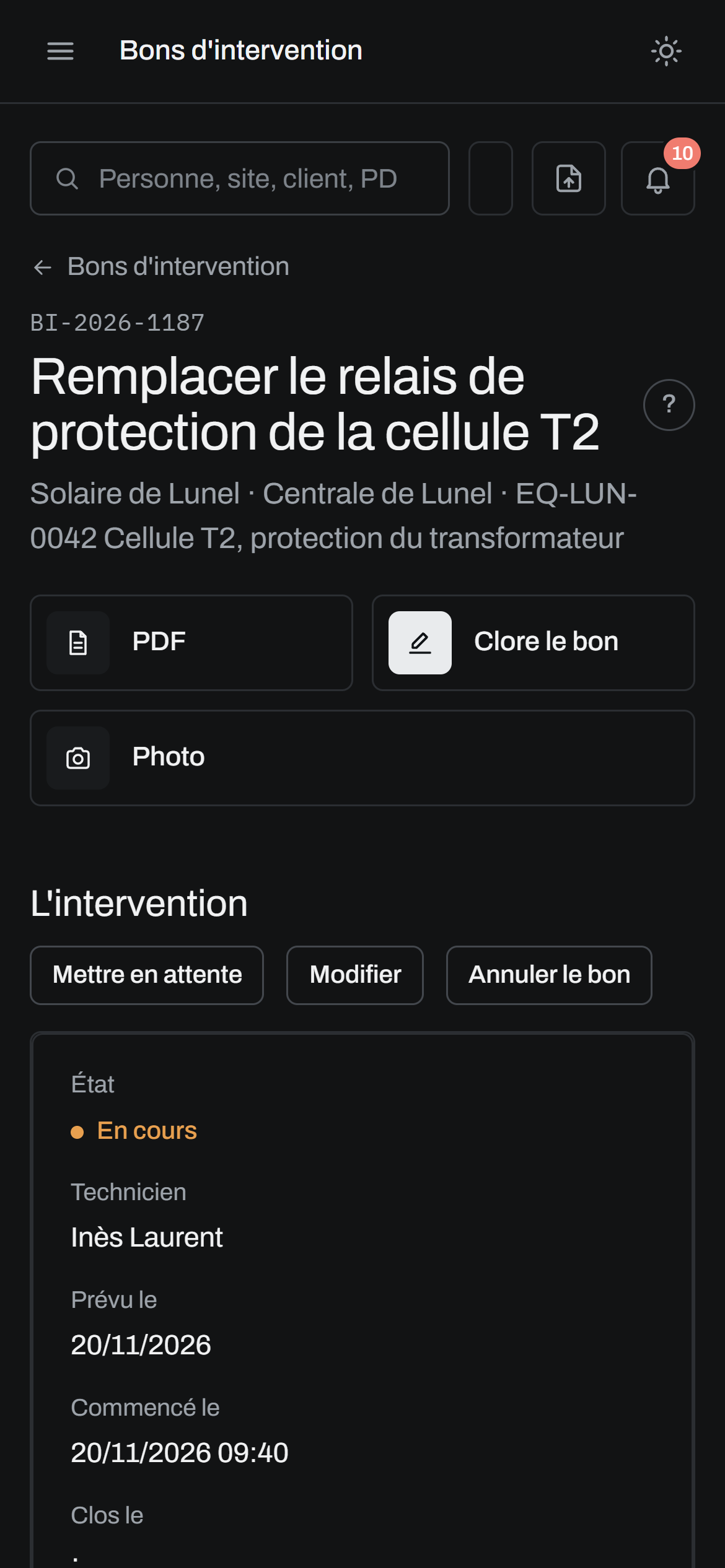
The work order is filled in on the phone and closed on site, even with no signal. The technician finds the order, the equipment and the pending corrective actions; the office sees the order closed as soon as the phone gets a signal again.
+€2 per office account per month
What the module does.
The features available today, set up with you during onboarding.
- 1
Orders created at the office or on site, linked to the site, the equipment and, with the Maintenance contracts module, the contract.
- 2
Offline mode: the phone keeps the order, the photos and the signature, then sends them when the signal returns.
- 3
Parts fitted, time spent and corrective actions ticked, with nothing to re-enter back at the office; with the Findings and actions module, a ticked corrective action is closed, with the order’s photo as proof.
- 4
The client’s or technician’s signature with a finger, and the closed order visible straight away at the office.
- 5
The closed order carried into the “To invoice” list, exported to Excel, with no prices (your rates stay in your invoicing tool), and, with the Visit reports module, into the visit report.

Example
Wednesday 14 October 2026, 10:41 am
Delivery substation at the Lunel plant, with Électricité Vidal & Fils
A work order closed with no signal, received at 11:02 am.
Inès Laurent replaces the protection relay of cell T2. Inside the substation, her phone has no signal; she ticks off the corrective actions anyway, photographs the fitted relay and signs the work order with her finger.
At 11:02 am, in the car park, the work order syncs. In Nîmes, the row switches to “Closed” on Arnaud Vidal’s screen.
A made-up example to show how it works: the company, people, dates and figures are fictitious.
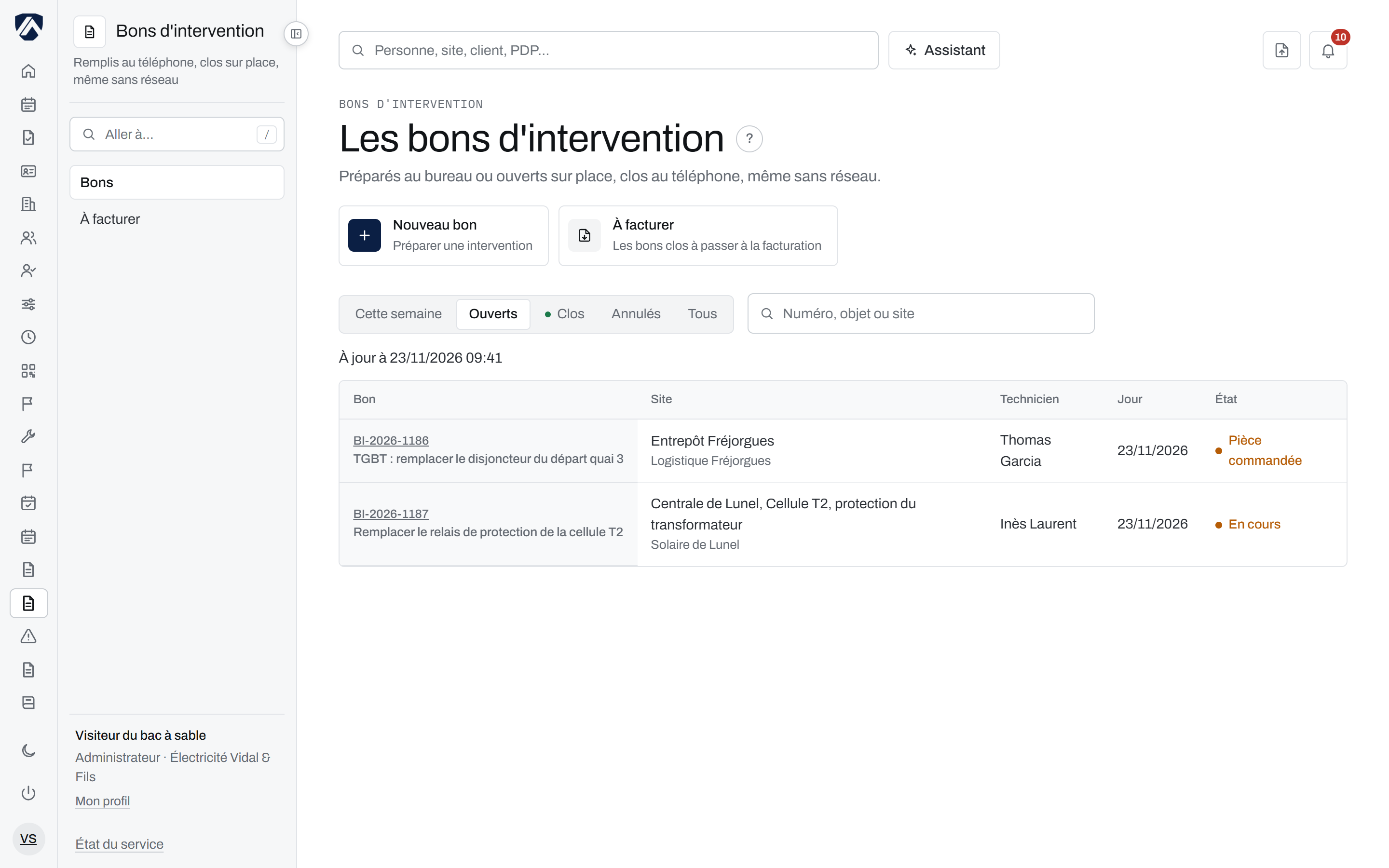
| Order | Site | Status |
|---|---|---|
| BI-2026-1187 | Lunel, cell T2 | Closed at 11:02 am |
| BI-2026-1186 | Fréjorgues, main LV board | Part ordered |
| BI-2026-1184 | Clinique du Parc | Closed on 13/10 |
| BI-2026-1181 | Media library, Vauvert | Closed on 12/10 |
The week’s work orders, seen from the Nîmes office at 11:02 am.
The modules that go with this one.
They share the same sites, the same equipment and the same people: what is entered in one shows up in the other.

Visit reports
The report starts from the work order or the inspection, is checked at the office and comes out as a PDF on your letterhead, ready to send to the client.

Assets and equipment
One QR label per piece of equipment; scan it and its record opens with its history and what it contains.

Inspection rounds
The monthly round, site by site; a site with no visit stays red until someone goes there.
This module: €2 more per office account, €2 per technician.
The Work orders module adds €2 per office account and €2 per technician, each month, to the core. The core costs €23.99 per office account and €19.99 per technician, each month. The price never exceeds €43.99 per office account and €39.99 per technician: from the 10th module, the whole catalogue is included, future modules too.
A first one-hour meeting.
With your spreadsheets, paperwork or emails to hand. We look together at what the module would take over, then the quote follows in writing.