One QR label per piece of equipment.
Each piece of equipment has its QR label, and its record opens on scanning with its history. Inverters, cells, fire alarm panels, generators, extinguishers: the assets on each site, what each piece of equipment contains and what has happened to it.
+€2 per office account per month
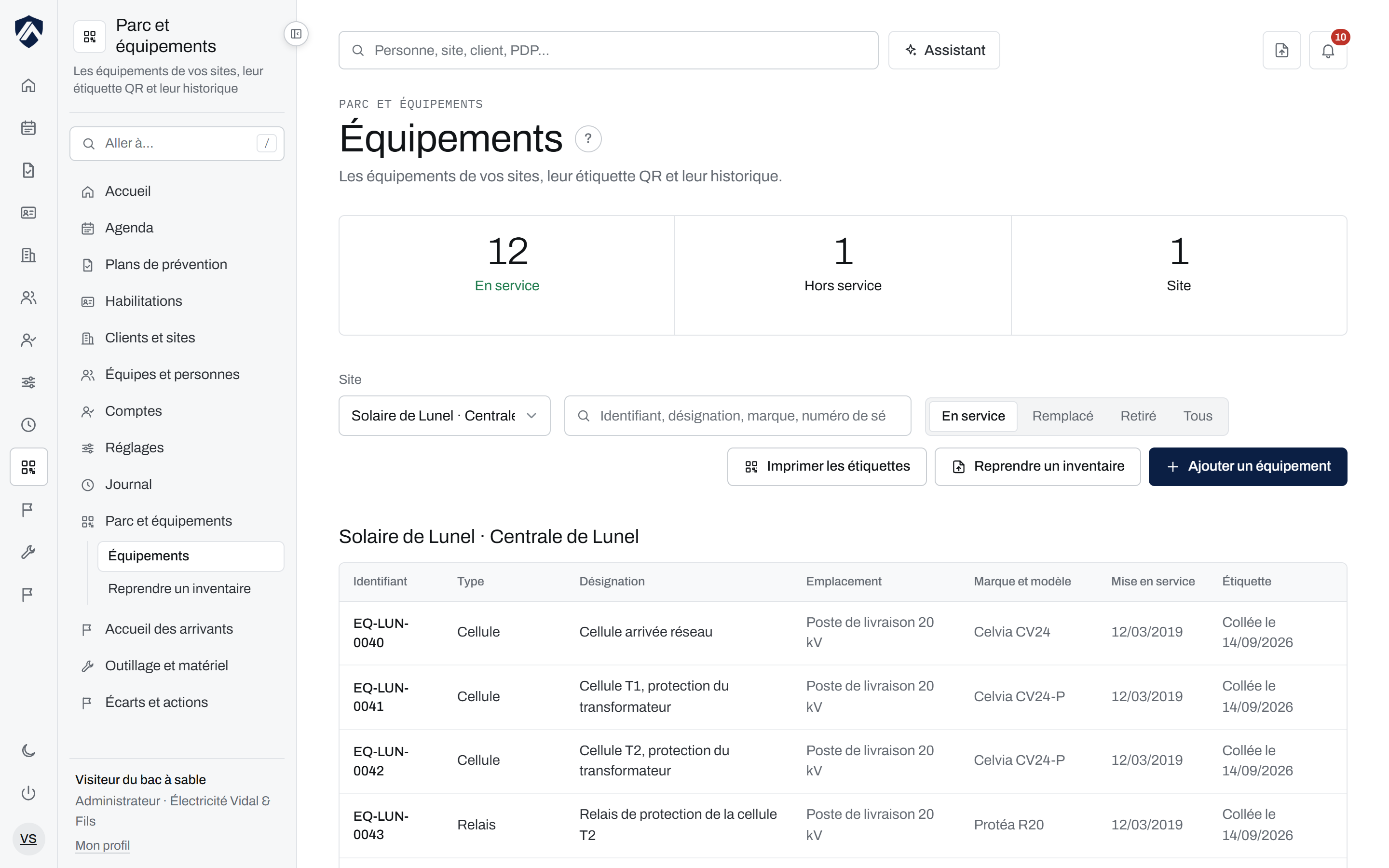
What the module does.
The features available today, set up with you during onboarding.
- 1
The assets on each site, imported from your Excel or CSV inventories: make, model, serial number, location, commissioning date; doubtful lines are listed, to be settled one by one.
- 2
QR labels printed on an A4 sheet of 24, to stick on the equipment; a label already in place stays valid if the record changes.
- 3
On scanning, with the phone’s camera, the record opens for logged-in members of your company, with its history. With the relevant modules, the history shows rounds, closed work orders, inspections and uploaded documents, and the record its next inspection, its current documents and its pending corrective actions.
- 4
Your equipment types, in your own words, and what each one contains: the string in the inverter, the relay in the cell, the call point on the loop.
- 5
Replaced equipment keeps its record and its history; its replacement gets a new label and starts its own, and the old label takes you to it in one click.
Example
Wednesday 14 October 2026, 9:40 am
Delivery substation at the Lunel plant, with Électricité Vidal & Fils
Cell T2 scanned, and its relay with it.
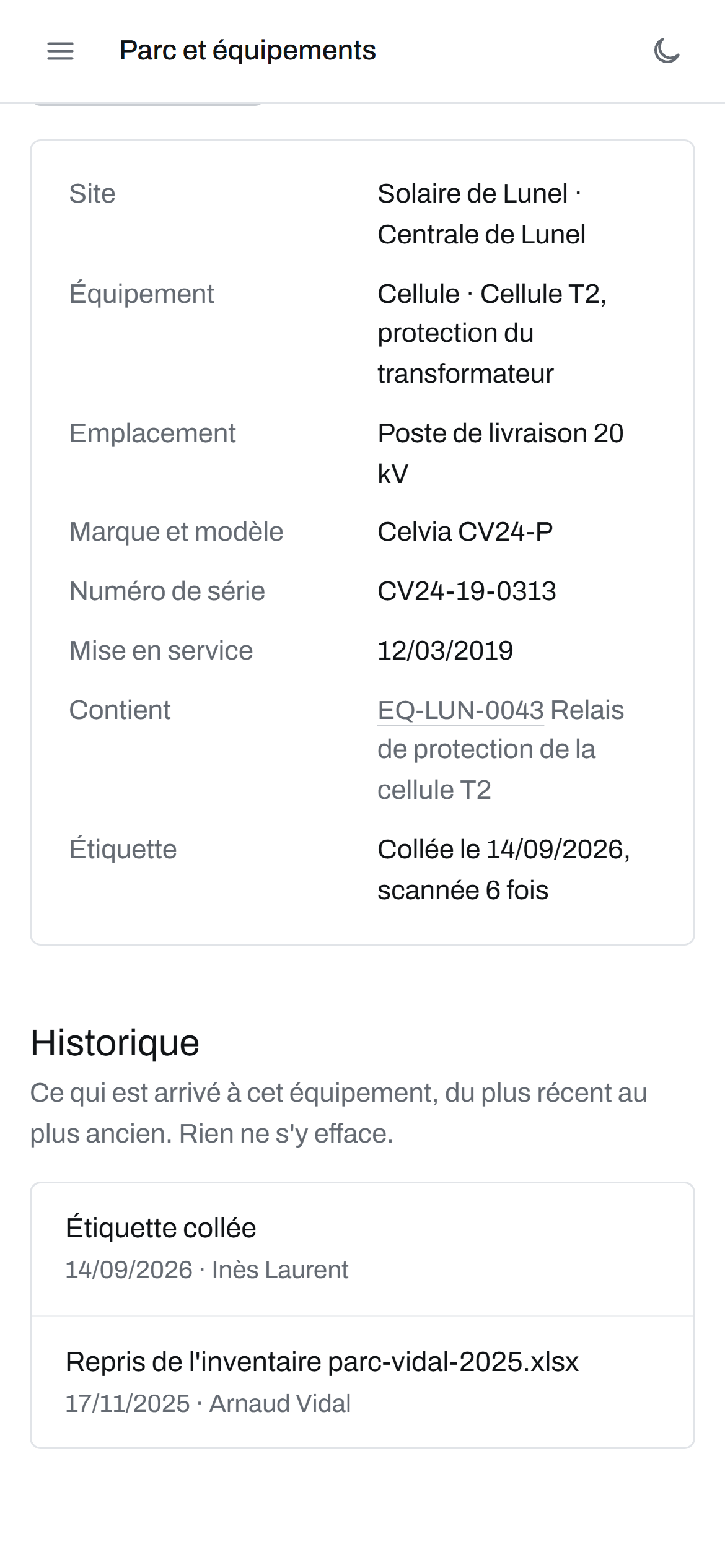
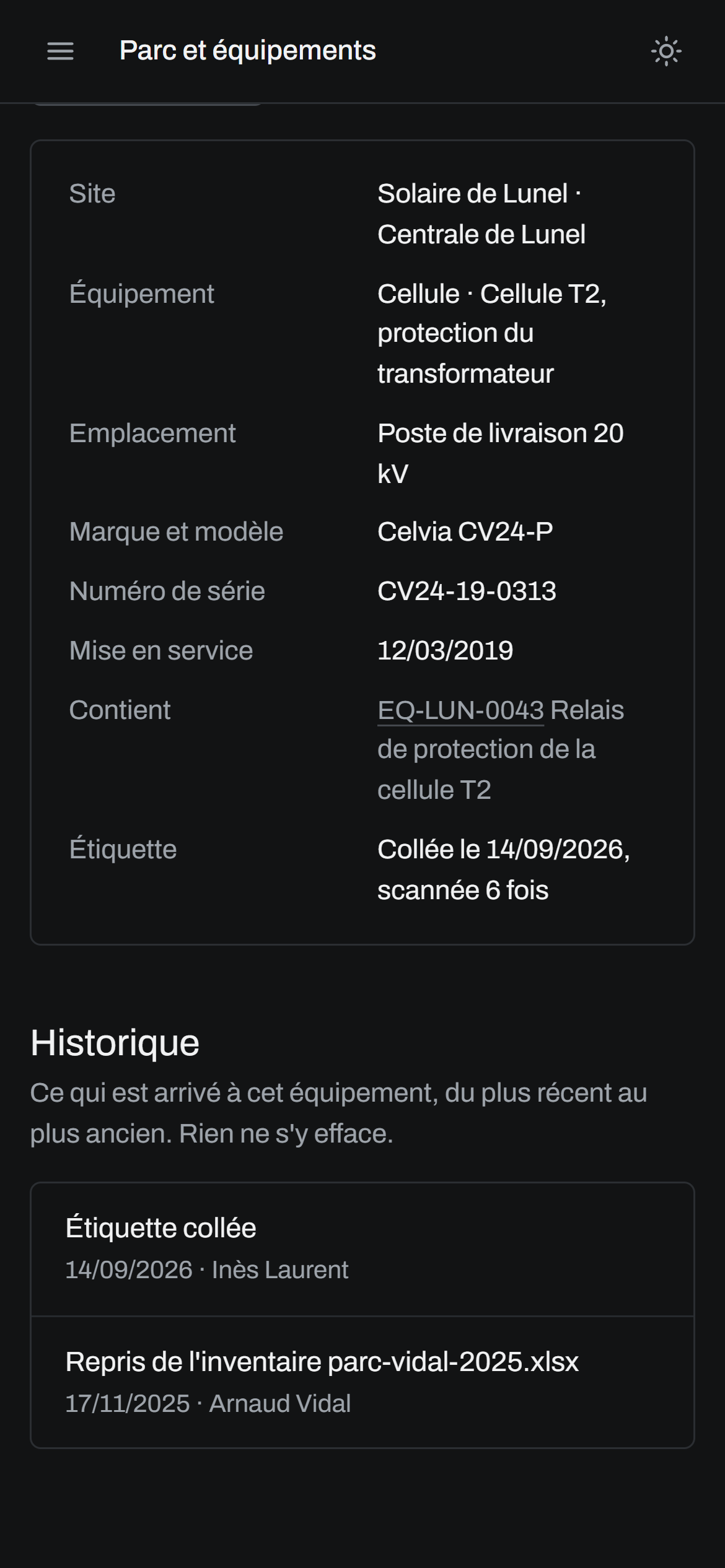
Outside the substation, before opening the cell, Inès Laurent scans label EQ-LUN-0042 with her phone’s camera. The record opens: cell T2, in service since March 2019, and what it contains, protection relay EQ-LUN-0043.
She checks the relay’s model before removing it. In the evening, at the office, Arnaud Vidal records the replacement: the fitted relay has its own record and a new label, and the old one keeps its history.
A made-up example to show how it works: the company, people, dates and figures are fictitious.
- Site
- Solaire de Lunel, Lunel plant
- Equipment
- Cell T2, transformer protection
- Location
- 20 kV delivery substation
- Commissioned
- 12/03/2019
- Contains
- EQ-LUN-0043, protection relay of cell T2
- Label
- Stuck on 14/09/2026, scanned 6 times
- Inspection
- Electrical installations, due on 22/11/2026
- Documents
- Single-line diagram v3, CV24 cell manual, relay manual
- 02/10/26October 2026 round, I. Laurent: compliant
- 14/09/26Label stuck on, I. Laurent
- 11/08/26Protection relay manual, version 1 uploaded
- 02/06/2620 kV substation single-line diagram, version 3 uploaded
The record of cell T2, opened on scanning by Inès Laurent on 14 October at 9:40 am.
The modules that go with this one.
They share the same sites, the same equipment and the same people: what is entered in one shows up in the other.

Inspection rounds
The monthly round, site by site; a site with no visit stays red until someone goes there.

Work orders
The work order is filled in on the phone, even with no signal, and closed on site with the client’s or technician’s signature, and the photo where needed.

As-built files and site documents
As-built files, diagrams and manuals, filed by site with their versions; in the field, only the latest one opens.
This module: €2 more per office account, €2 per technician.
The Assets and equipment module adds €2 per office account and €2 per technician, each month, to the core. The core costs €23.99 per office account and €19.99 per technician, each month. The price never exceeds €43.99 per office account and €39.99 per technician: from the 10th module, the whole catalogue is included, future modules too.
A first one-hour meeting.
With your spreadsheets, paperwork or emails to hand. We look together at what the module would take over, then the quote follows in writing.