Each site’s documents, up to date.
The drawings, diagrams and manuals for each site are filed with their versions, and only the latest opens in the field. The as-built file arrives in a jumble when a job is handed over; Auragide files it by site and by piece of equipment, and finds it in a couple of words.
+€2 per office account per month
What the module does.
The features available today, set up with you during onboarding.
- 1
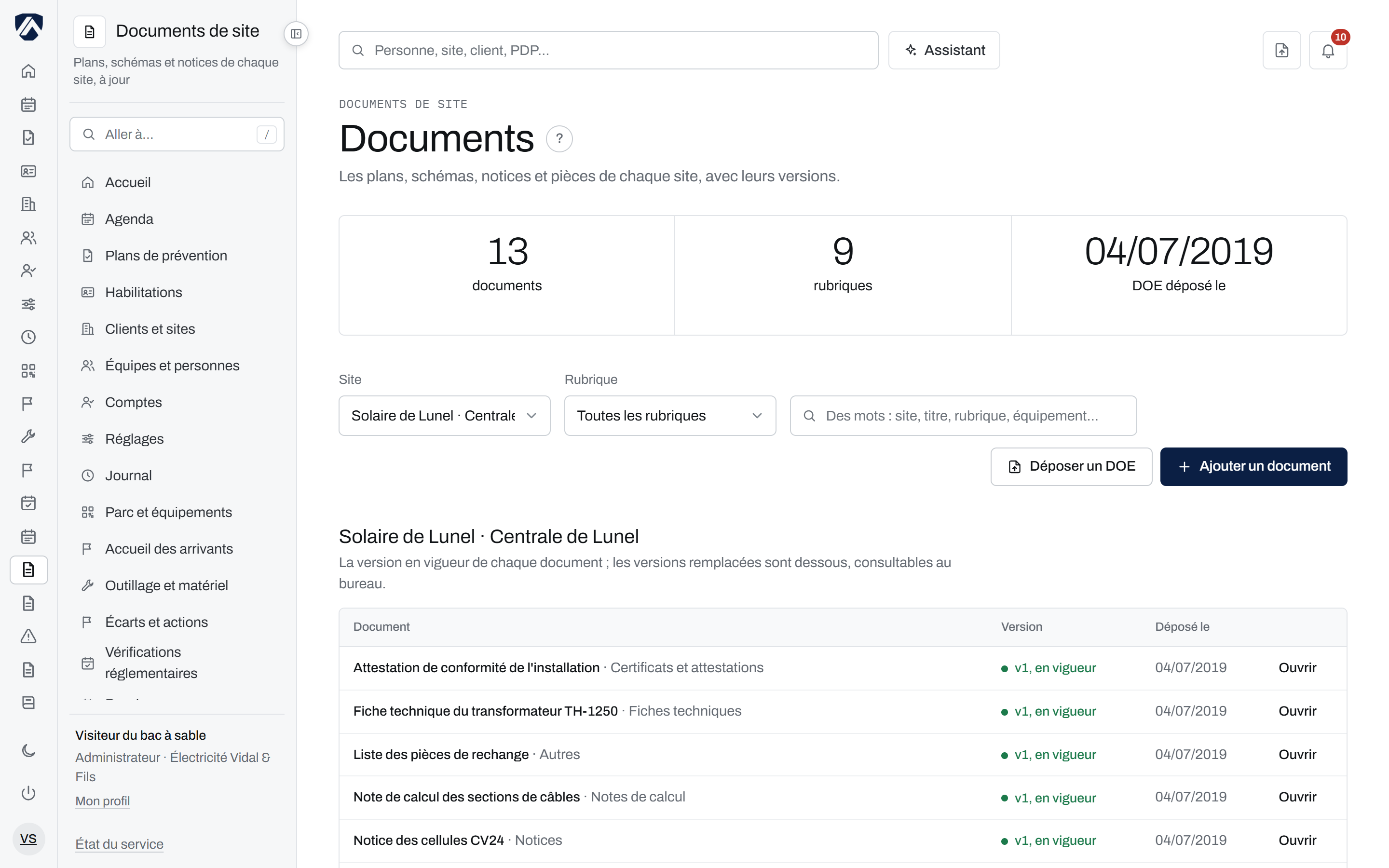
Each site’s as-built file, uploaded in one go, as a folder, as files or as a ZIP archive, and filed by section: diagrams, manuals, acceptance reports, certificates. Auragide suggests the section and the equipment for each file; you correct them before filing.
- 2
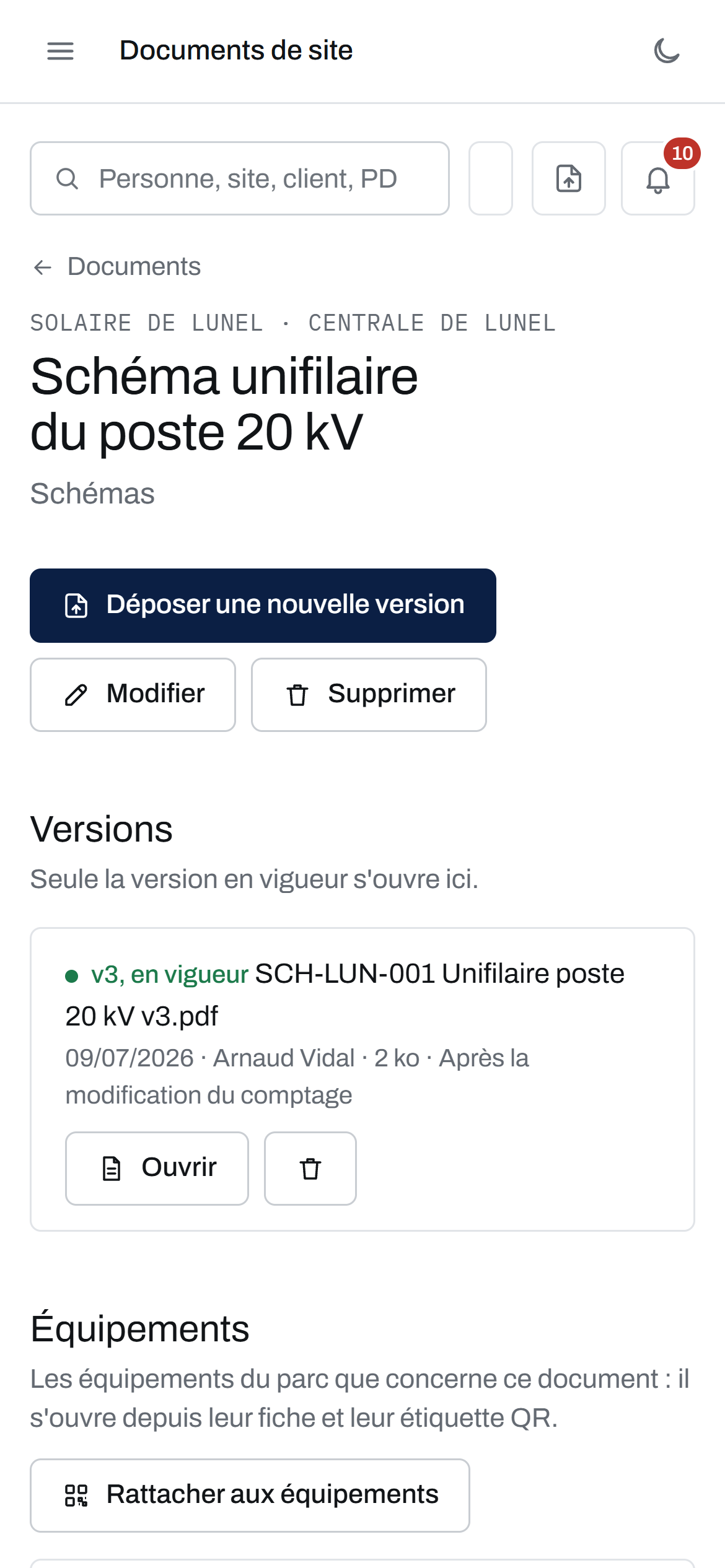
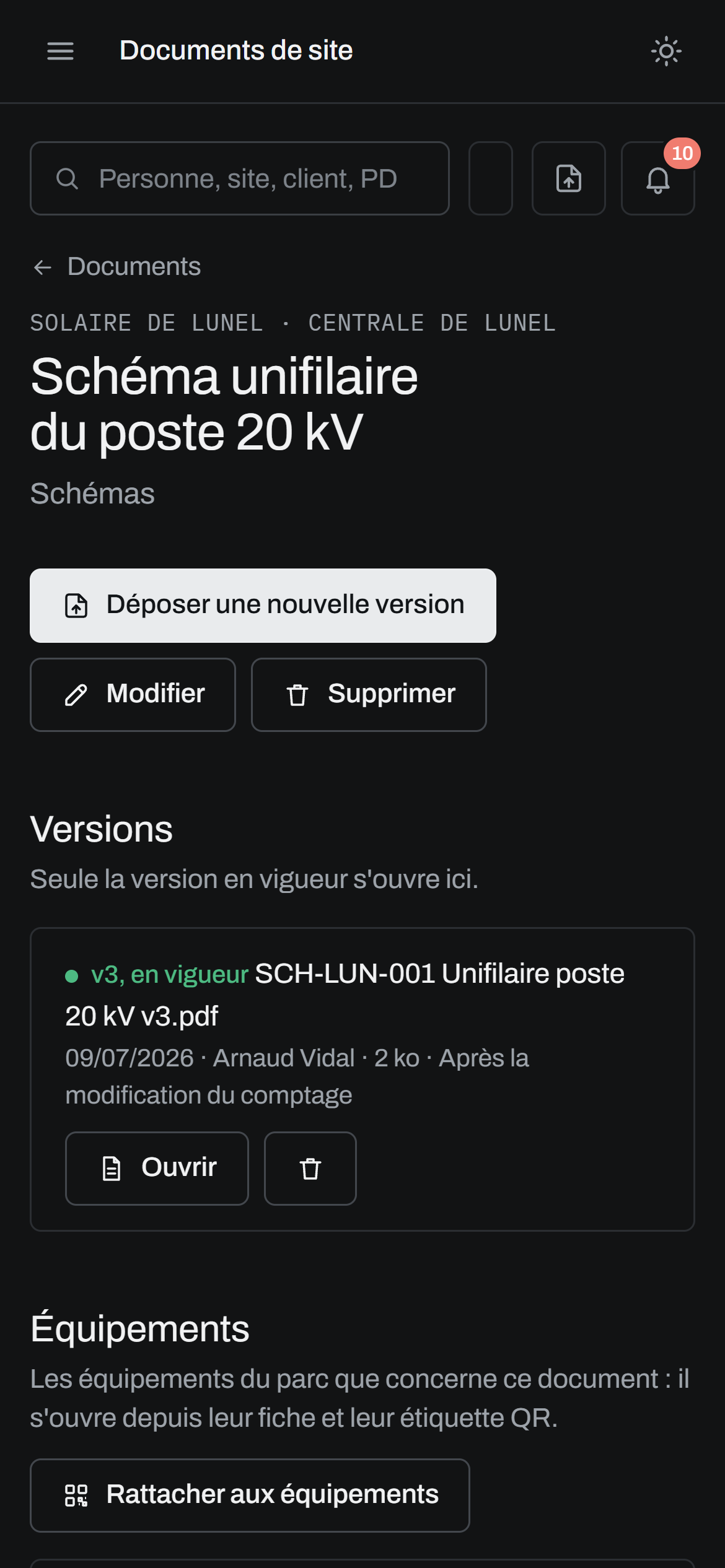
Versions of each document: the old one can still be viewed at the office, only the latest opens on the phone.
- 3
Search by keywords in titles, sections, sites and equipment, such as “Lunel single-line diagram” or “clinic inverter manual”.
- 4
Documents linked to the equipment in the asset register, opened from its QR label.
- 5
Documents requested by an auditor or a client, found in a few seconds.
Example
Wednesday 14 October 2026, 8:20 am
Delivery substation at the Lunel plant, with Électricité Vidal & Fils
At the foot of the substation, the June version.
Before isolating cell T2, Inès Laurent opens the substation’s single-line diagram on her phone. It is version 3, uploaded on 2 June after the metering was modified.
Version 2 was still going around as a PDF in two vans. It can still be viewed at the office, but the phone no longer offers it.
A made-up example to show how it works: the company, people, dates and figures are fictitious.
13 documents9 sectionsAs-built file uploaded on 28/05/2019
| Document | Version | Uploaded on |
|---|---|---|
| 20 kV substation single-line diagram | v3, current | 02/06/2026 |
| 20 kV substation single-line diagram | v2, superseded | 17/09/2024 |
| Protection relay manual | v1, current | 11/08/2026 |
| Site plan and access | v2, current | 06/01/2026 |
The Lunel plant’s documents, seen from the office. On the phone, only the current versions open.
The modules that go with this one.
They share the same sites, the same equipment and the same people: what is entered in one shows up in the other.

Assets and equipment
One QR label per piece of equipment; scan it and its record opens with its history and what it contains.

Prevention plans
The register of all your prevention plans, whatever tool the client uses: uploaded or forwarded by email, signed by your workers on their phones, ready for the audit.

Statutory inspections
Fire extinguishers, fire safety systems, electrical installations: every inspection due, site by site, with its due date and its report.
This module: €2 more per office account, €2 per technician.
The As-built files and site documents module adds €2 per office account and €2 per technician, each month, to the core. The core costs €23.99 per office account and €19.99 per technician, each month. The price never exceeds €43.99 per office account and €39.99 per technician: from the 10th module, the whole catalogue is included, future modules too.
A first one-hour meeting.
With your spreadsheets, paperwork or emails to hand. We look together at what the module would take over, then the quote follows in writing.